Moment one
Build the tasting.
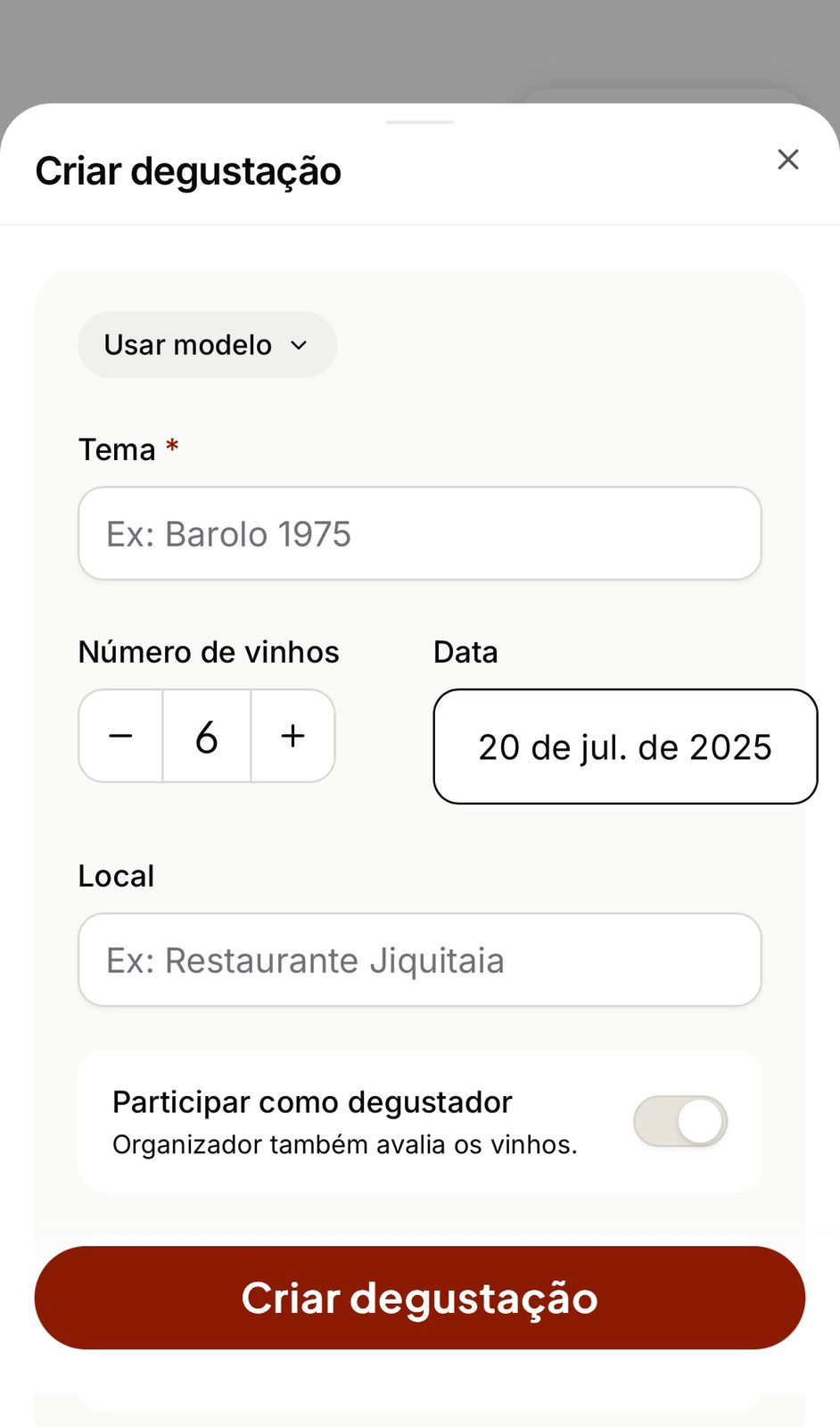
Create the tasting, define the wines, choose the evaluation rule and generate the PIN.
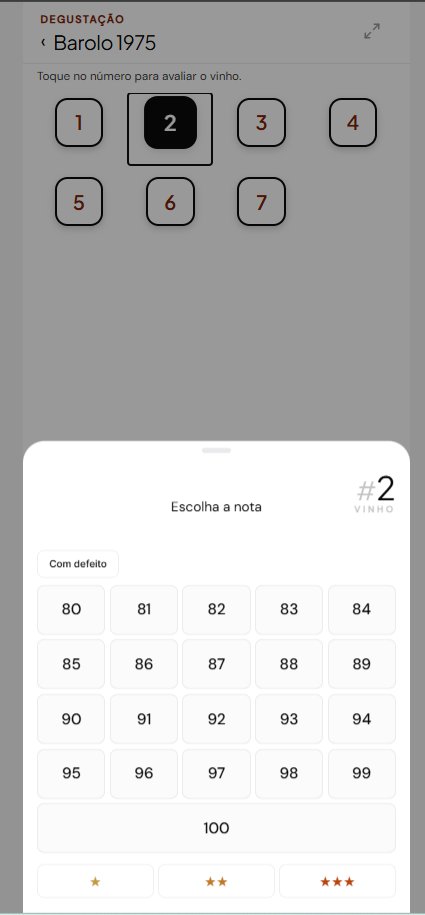
Each taster evaluates the wines on their own phone. Blind or visible-label, by score or ranking.
Choose the number of wines, the display mode, the evaluation method and the scale. BlindRank creates one PIN to share with the table.
No account before entry. No app to install. Each person evaluates independently on their own phone.
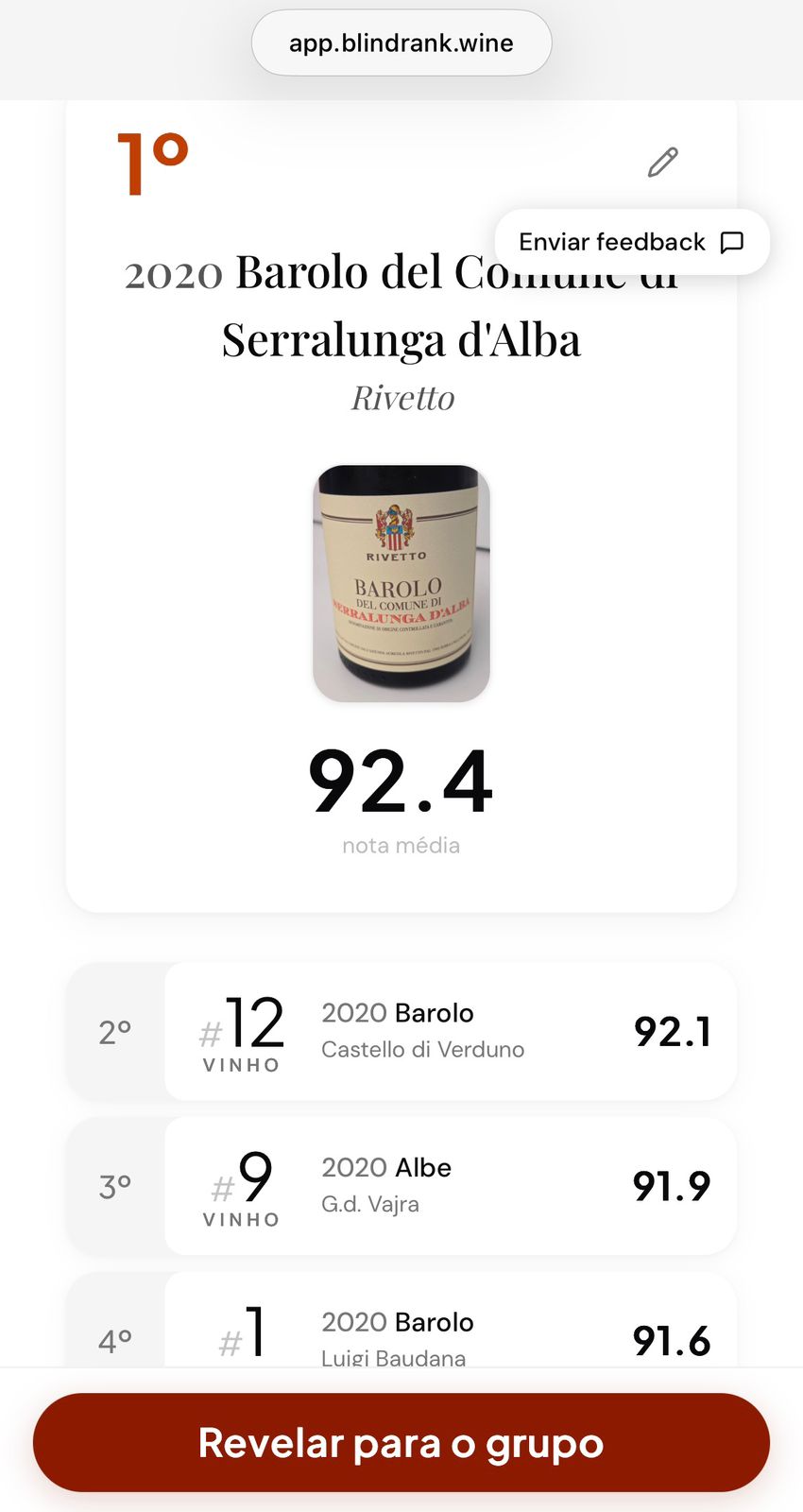
When everyone finishes, BlindRank compiles the group result. The organizer reveals the labels when the table is ready. The tasting stays saved for later.
Every tasting stays saved without a spreadsheet after the meeting. Wines, scores and the group ranking are recorded automatically.
Run blind tastings with clients and distributors. The group ranking shows what people preferred before they knew what they were drinking.
Set up the tasting and let each taster evaluate on their own phone. No paper sheets, no collecting notes after the flight.
Create the tasting, define the wines, choose the evaluation rule and generate the PIN.
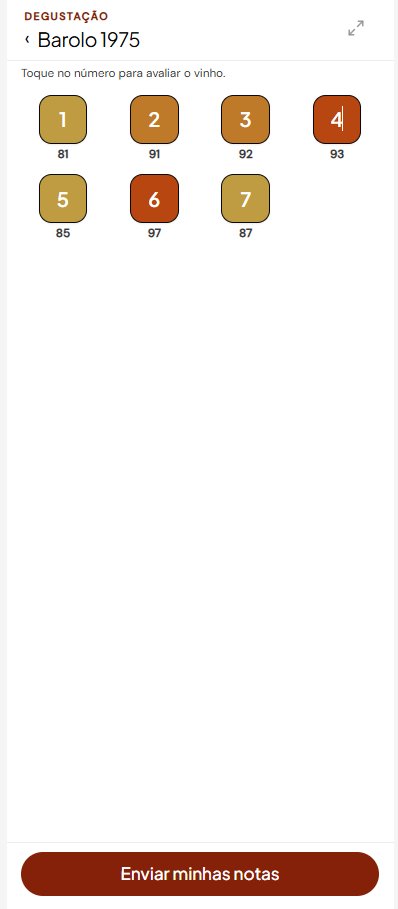
Each wine appears by number. The taster opens it, evaluates it and moves to the next wine. No spreadsheet, no confusion.
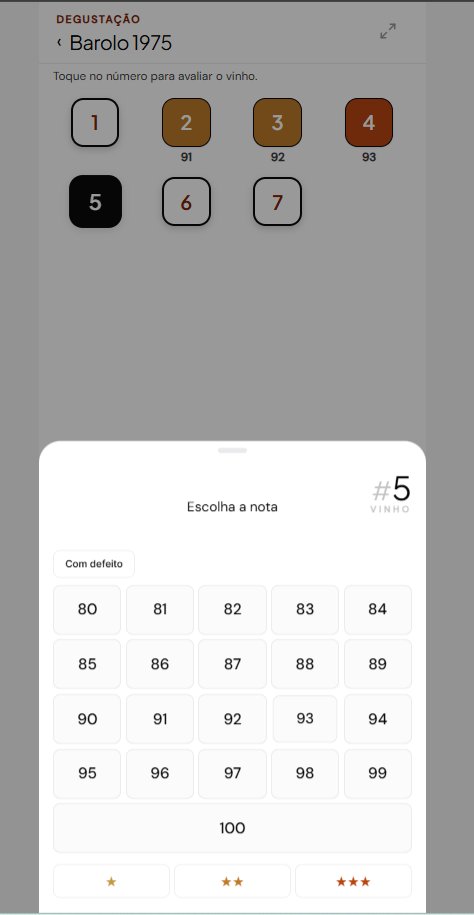
The organizer sees who has finished, who is still missing and how the table is progressing. No need to ask around.
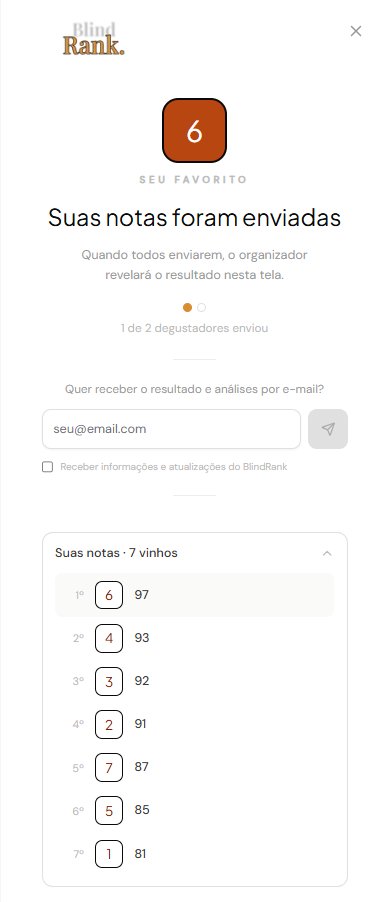
When everyone finishes, the ranking is calculated automatically. The organizer reveals the labels when the table is ready.
Photograph the label and BlindRank extracts name, producer, vintage and region with AI. If the identification is not right, you edit it before saving.
BlindRank is in beta.
Create tastings, invite tasters, collect evaluations, reveal labels and keep the record of what the group thought about each wine.
Use is free during this period, with no card required and subject to reasonable limits. Paid plans for organizers, wine clubs and professional use will be announced in advance.
Creating a tasting in the app takes two minutes. During beta, you use it at no cost and without a card. The result stays saved for later.
Free beta, no card required.
The beta includes what you need to run a tasting. Create the tasting, invite tasters with a PIN, evaluate blind, double-blind or visible-label, choose score or ranking, consolidate the group result, reveal labels and share the full result. The history stays saved. No card required. Tasters do not need an account before joining.
BlindRank will have paid plans for organizers, wine clubs and professional use. You will receive notice before any change. There will be no automatic charge. You only pay if you choose a plan.
No. The organizer creates the tasting and shares a PIN. The taster opens the app on a phone, enters the PIN and then chooses a display name. The app also offers an optional email field for beta communications.
Three modes. In blind mode, tasters know the labels and theme, but not the serving order. In double-blind mode, labels and theme are hidden. In visible-label mode, names are visible from the start. The organizer chooses the mode when creating the tasting.
The organizer chooses score or ranking before the tasting starts. In score mode, the options are ★, 1–10, 20 pts and 100 pts. A table that wants a more direct read can use stars. A wine club that prefers the scale popularized by Parker uses 100. A table that only wants to choose the best wine of the night uses direct ranking.
Yes. Each tasting is saved with individual evaluations and the group result. Useful for tracking how perception changes over time, or for remembering what each person said before the reveal.
See the full step by step guide. Open the help center.